
The first Online Community for Exocad Courses
We are professionals who openly demonstrate our level of experience in aesthetics and complex cases on social media.
With us, you will not only learn all the exocad modules, but you will also become a professional in digital aesthetics by designing all kinds of complex cases.
We have been working in the digital sector for more than 10 years and we have trainers like Giovanni Natile with more than 45 years of experience in the sector.
In this exocad course you are going to ...
- Understand exocad from scratch without having any kind of experience with the software
- Learn skills and shortcuts that will make you move fluently in exocad
- Understand the correct digital protocols so that cases never fail
- Master all the Exocad modules, from the simplest to the most complicated
- Practice with us every Tuesday the cases you can't manage to solve until you become an expert
Why does Prodecad Academy have the best online Exocad course?
Unlimited exocad courses
At prodecad Academy you will learn all the exocad modules online for the same price.
While other courses focus only on charging you for each module they teach, here there is no limit to your learning and you can train in all the modules the software has.
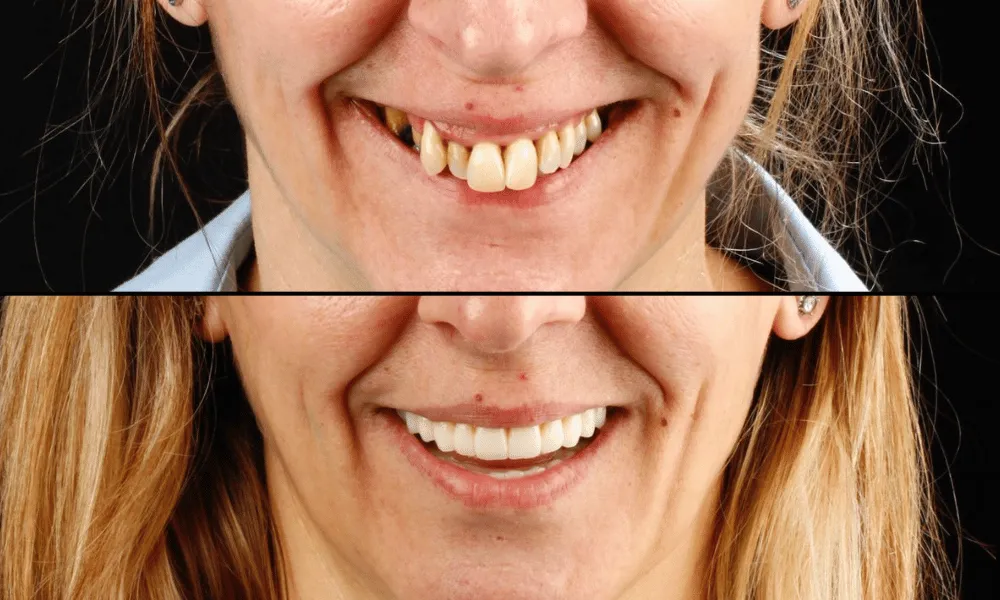
Become a professional in aesthetics
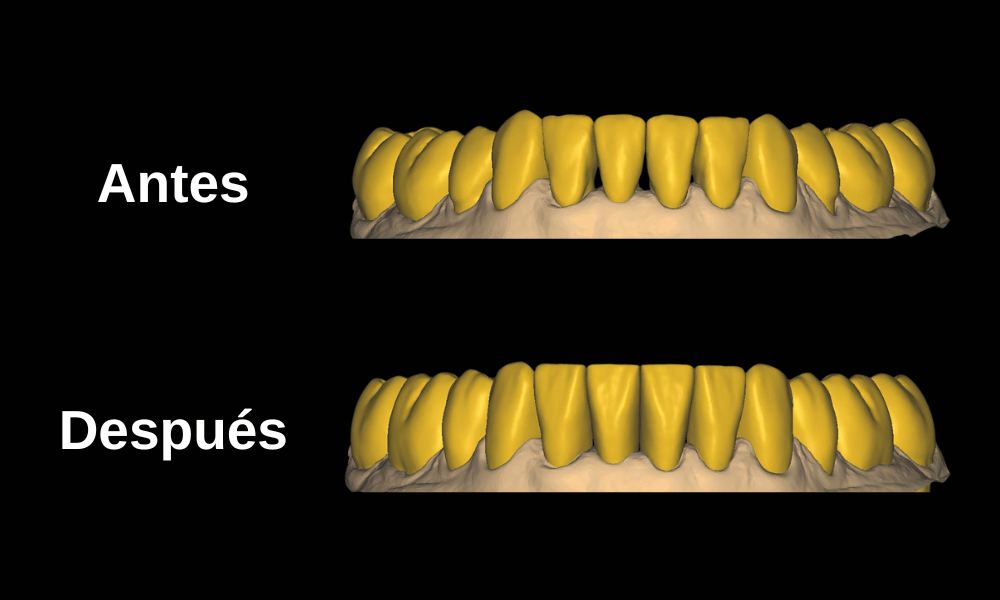
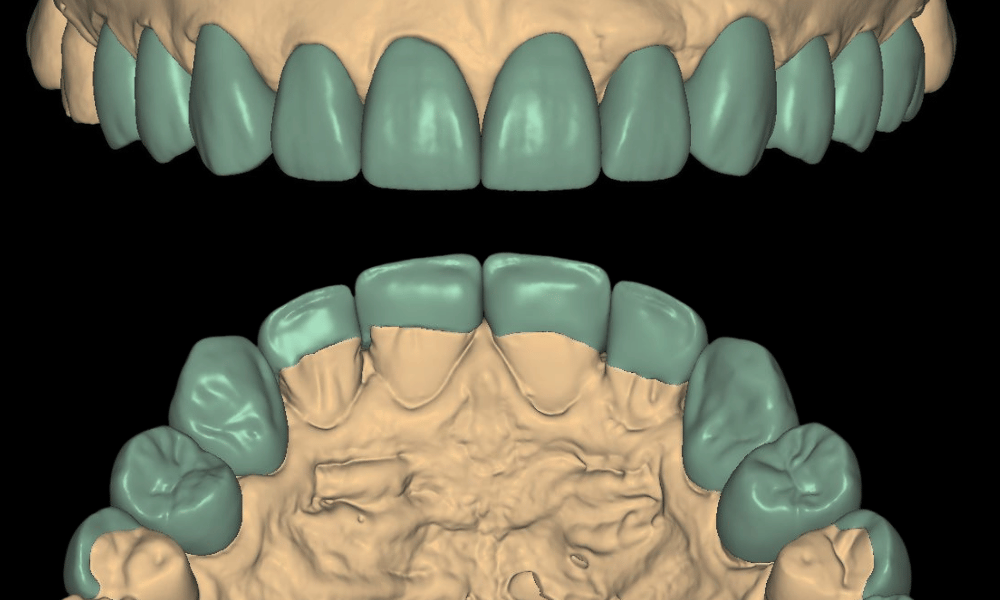
Learning the exocad modules and practicing with show cases doesn't mean you know how to design high-aesthetic restorations.
At prodecad academy you don't just get online exocad courses, we also teach you to become an expert in dental anatomy and aesthetics.
Live correction courses
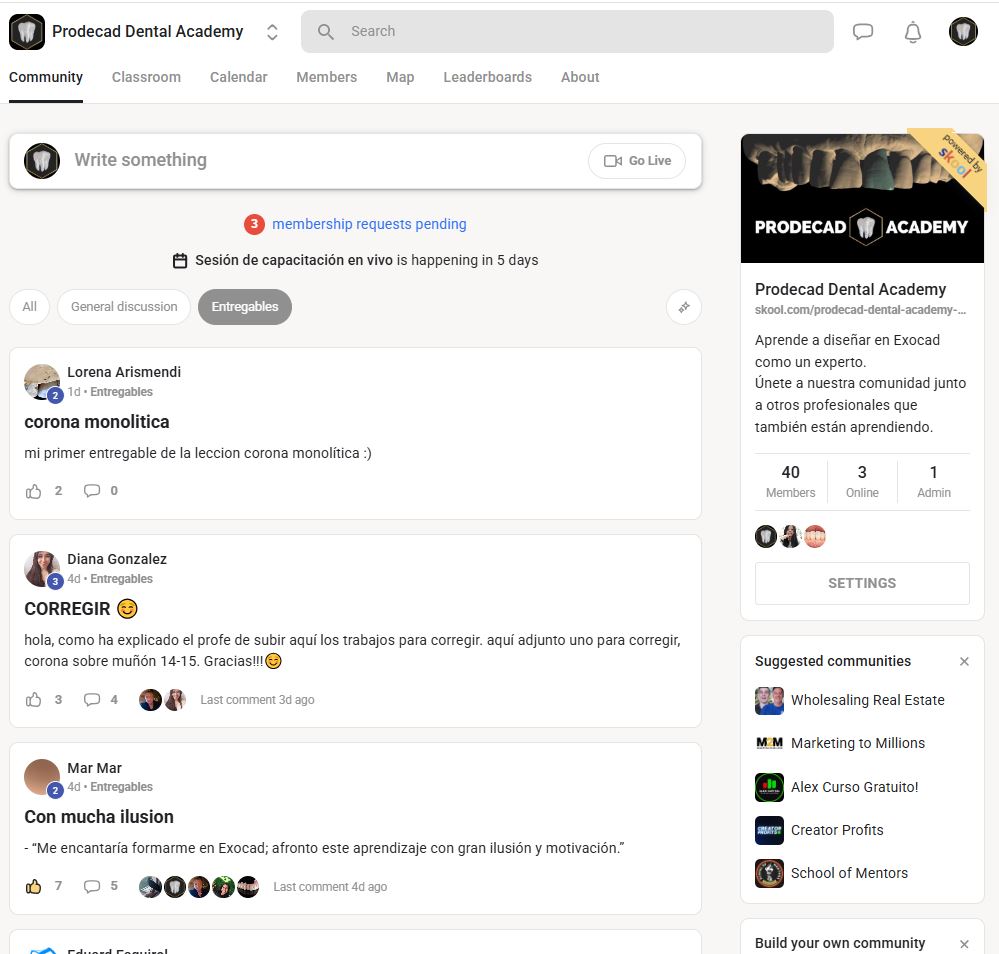
Being part of the community has its advantages, every Tuesday at 19:00 Spain time we correct the cases our students send us live.
This helps them identify common errors and perfect their technique until they become professionals like us.
You don't have a specific date
In other online exocad courses, you have to worry about being able to attend on that specific day, not with us.
We have all the modules recorded so you can watch them without rushing and at the pace that suits you best.
How many exocad courses will I receive if I join Prodecad Academy?
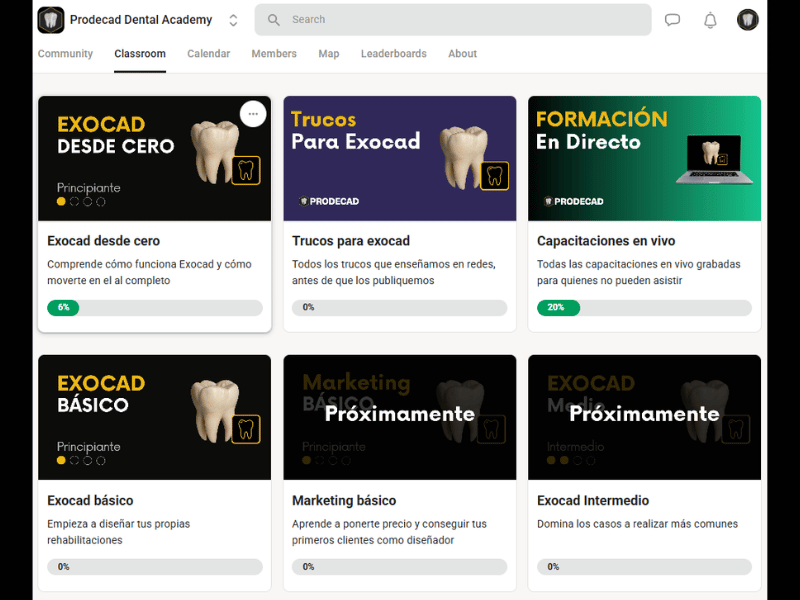
Joining Prodecad Academy gives you access to all Exocad courses and modules. In total, more than 150 recorded lessons divided into different types of courses and modules, from the most basic to the most advanced.
You will also have access to unlimited courses every Tuesday at 19:00 (Spain Time) in which we identify errors in our students' cases live:
Exocad Course from scratch - 5 Modules, 17 lessons
Introduction – Welcome and Expectations
- Our story
- What you will learn in the training
- The importance of deliverables
- The importance of not learning everything at once
Module 1 – Exocad Basics
- Adding doctors and designers to the DentalDB file
- How the Odontogram works
- How to configure predefined parameters for each doctor
Module 2 – Types of scans
- Physical model vs. intraoral scan
- Most used 3D format types in the dental field
- Differences between 3D formats for dental use
Module 3 – Using the odontogram
- How to plan abutment-supported restorations in DentalDB
- How to plan implant-supported restorations in DentalDB
- Planning an occlusal splint in the DentalDB
Module 4 – Controls and shortcuts
- Basic Exocad settings
- Main controls of the DentalCadApp
- Shortcuts for faster designing
- View configuration
Basic Exocad Course - 5 Modules, 20 lessons
Module 5 – Exocad basics
- Digitally occluding intraoral scans
- How the DentalCadApp parameters work
- How to install a tooth library in Exocad
- How to install an implant library in Exocad
- How to install an analog library in Exocad
Module 6 – Fixed prosthesis on abutment design
- How contact and occlusion adjustments work within exocad
- Monolithic single crown design
- Anatomic coping design
- Simple coping design
Module 7 – Fixed prosthesis on implant design
- How to choose the correct implant in the DentalCadApp
- Gingival profile adjustment
- Monolithic single crown on implant design
- Anatomic coping on implant design
Module 8 – How to design veneers and inlays
- Inlay design (Inlays)
- Onlay design
- Overlay design
- Individual veneer design
Module 9 – Preparation of digital models for printing
- Design of digital models for simple printing
- Digital model design with Geller-type die
- Model design with digital analog and removable gingiva
Basic Marketing Course - 5 Modules, 16 lessons
Module 10 – Personal marketing for the dental field
- Why do you need a personal brand?
- Defining your value proposition
- Defining credibility and trust
- Positioning in the dental sector
Module 11 – Digital portfolio of an exocad designer
- The ideal portfolio for an exocad designer
- Tools to create your portfolio
Module 12 – New client acquisition in the dental field
- How social media works in the dental field
- The importance of dental communities
- Email to stay in touch
- Direct offline contact
Module 13 – Pricing and closing deals
- Setting your rate as an exocad designer
- Negotiation strategies
- Closing the deal
Module 14 – First 30-day plan to get your first jobs as an exocad designer
- Preparation (Days 1-7)
- Execution (Days 8-21)
- Evaluation and adjustment (Days 22-30)
Intermediate Exocad Course - 4 Modules, 19 lessons
Module 15 – Fixed prosthesis design on an abutment
- Eggshell provisional design in exocad
- Fixed prosthesis design on an abutment with cut-back reduction
- Three-unit bridge design on an abutment in exocad
- Bridge design on an abutment with an intermediate pontic in exocad
- Bridge design on an abutment with anatomical reduction
Module 16 – Implant-supported fixed prosthesis design
- Creating implant-supported bridges with a pontic and emergence profile control
- Implant-supported bridge design in exocad with cut-back reduction
- Bridge design with full anatomical reduction
- Creation of custom abutments
Module 17 – exocad virtual articulator
- What the exocad virtual articulator is and how it works
- How to correctly configure the virtual articulator in exocad
- Control and analysis of dynamic contacts
- Guide adjustments and condylar parameters
Module 18 – Occlusal splint
- Simple occlusal splint design
- Design of an occlusal splint with space filling
- Design of an occlusal splint with virtual tooth positioning
Digital Anatomy Course - 6 Modules, 17 lessons
First lesson
- Anatomical principles of a patient's teeth
Module 19 – Digital design of upper molars
- Digital design and characterization of molar 18
- Digital design and characterization of molar 17
- Digital design and characterization of molar 16
Module 20 – Digital design of upper premolars
- Digital design and characterization of premolar 15
- Digital design and characterization of premolar 14
Module 21 – Digital design of upper incisors
- Digital design and characterization of canine 13
- Digital design and characterization of lateral 12
- Digital design and characterization of central 11
Module 22 – Digital design of lower molars
- Digital design and characterization of molar 38
- Digital design and characterization of molar 37
- Digital design and characterization of molar 36
Module 23 – Digital design of lower premolars
- Digital design and characterization of premolar 35
- Digital design and characterization of premolar 34
Module 24 – Digital design of lower incisors
- Digital design and characterization of canine 33
- Digital design and characterization of lateral 32
- Digital design and characterization of central 31
Intermediate Marketing Course - 4 Modules, 16 lessons
Module 25 – Content strategies
- Where to show your work
- Creating your presence on social media
- How to plan your posts
- Content that builds trust
- Common errors
Module 26 – Make them remember you
- Create a simple social identity
- Examples of visual identities
- Consistent presence everywhere
- Improve your current profile
Module 27 – Your first contacts
- Respond to messages and inquiries
- Clear and natural messages
- What to say and what not to say
- Offer your help without selling anything
Module 28 – How to build trust
- What work you should show
- How to use testimonials and results
- Build trust when you're new
Advanced Exocad Course - 4 Modules, 21 lessons
Module 29 – Full rehabilitation design
- How to correctly plan a full rehabilitation in exocad
- How to design a full arch on abutments
- How to design a full arch on implants in exocad
- How to design a full arch with gingiva
- Advanced occlusal adjustments
- Minimum thickness controls
- Post-try-in occlusion change
- Full denture design with thimble reduction in exocad
Module 30 – Metal frameworks
- How to plan and design a metal reinforcement bar in Exocad
- How to adapt a metal bar to a cement-retained full hybrid
- Full arch design with anatomical reduction for ceramic layering
- Design and planning of partial denture frameworks
Module 31 – Digital removable prosthesis
- How to create a snap-on design in exocad
- How to design and plan a complete removable denture in exocad
- Planning of a hybrid bar with a friction cap
- Design of a primary telescopic crown
- Design of a secondary telescopic crown
- Implementation of attachments on any type of structure
Module 32 – Digital copies
- Copy of an anatomical wax-up with the wax-up method
- Copy of a reduced wax-up with the wax-up method
- Copy of a total rehabilitation with the wax-up method
Protocols Course - 3 Modules, 15 lessons
Advanced Marketing Course - 3 Modules, 11 lessons
Advanced training at a competitive price
Our philosophy is to be able to provide advanced technical knowledge at an affordable price for everyone.
We know that not everyone can afford to take such a specialized exocad course, we have the possibility to do it and we want to share our experience with the dental community.
What do our students think?