
The best tooth library for Exocad: author's 3D dental anatomy
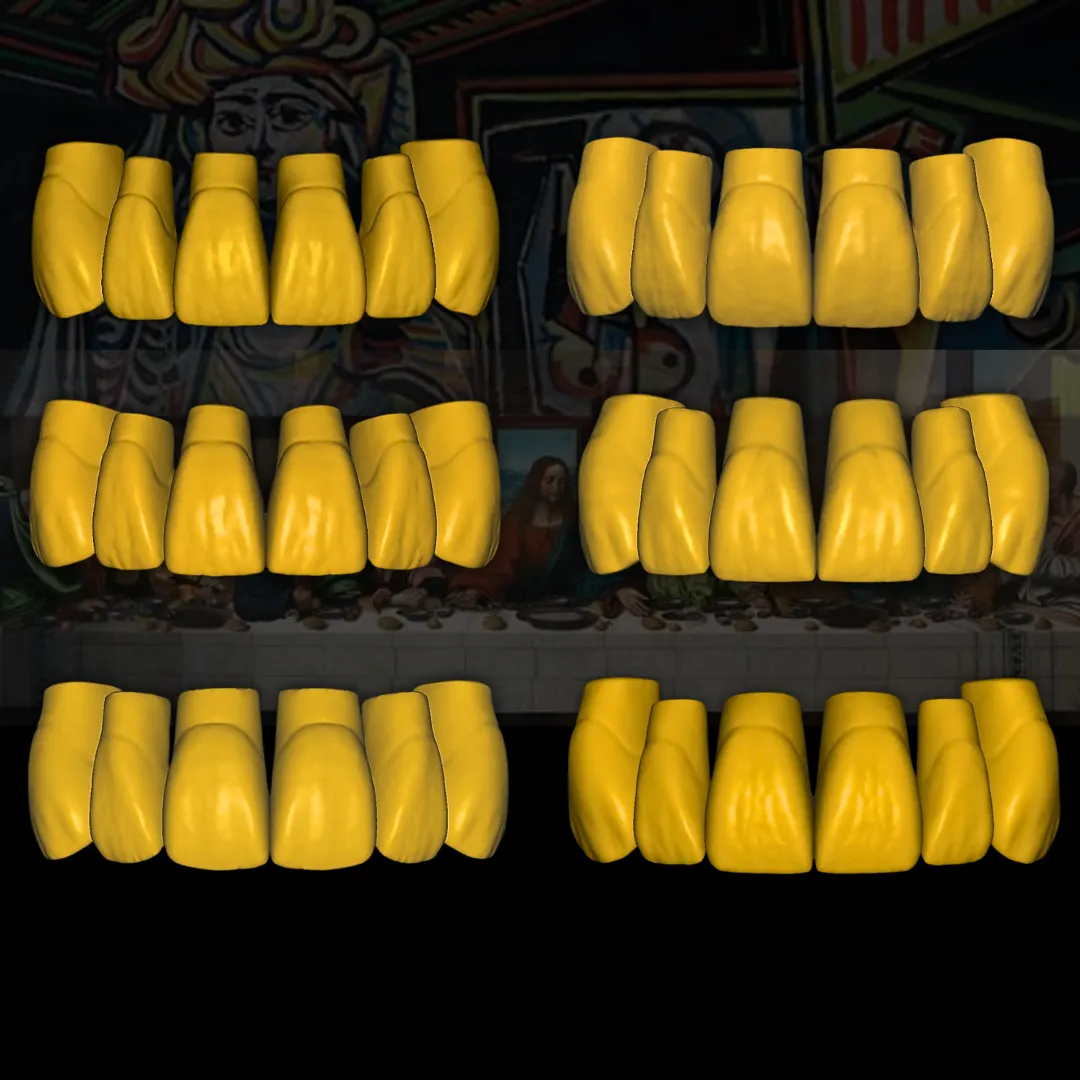
Six signature anatomies born from more than 30,000 digital cases: already closed embrasures, resolved aesthetic and functional morphology, and the design hours you currently lose redoing flat teeth.
Digital cases behind each anatomy
Anatomies: three young and their three aged versions
Years of experience in the dental sector
Years in the digital sector
I'll show them to you before you buy anything
Discover our Exocad tooth library in this two-minute video: author's anatomies, youthful and aged, ready to install.
The three most common Problems
More cases come in than you can design and the bottleneck is always in the same place: the anatomy.
Case after case, the same gaps between teeth that need to be closed by hand before being able to move forward.
The libraries that the software brings by default are basic and flat: you end up remodeling each tooth so it doesn't stand out.
The three key Solutions
The design starts from an already resolved anatomy, not from a flat tooth that needs to be redone entirely.
The embrasures come closed by default. It's work that disappears from your workday, not work that is done faster.
Morphology studied so that the work looks natural in the mouth, in the anterior and posterior sectors.
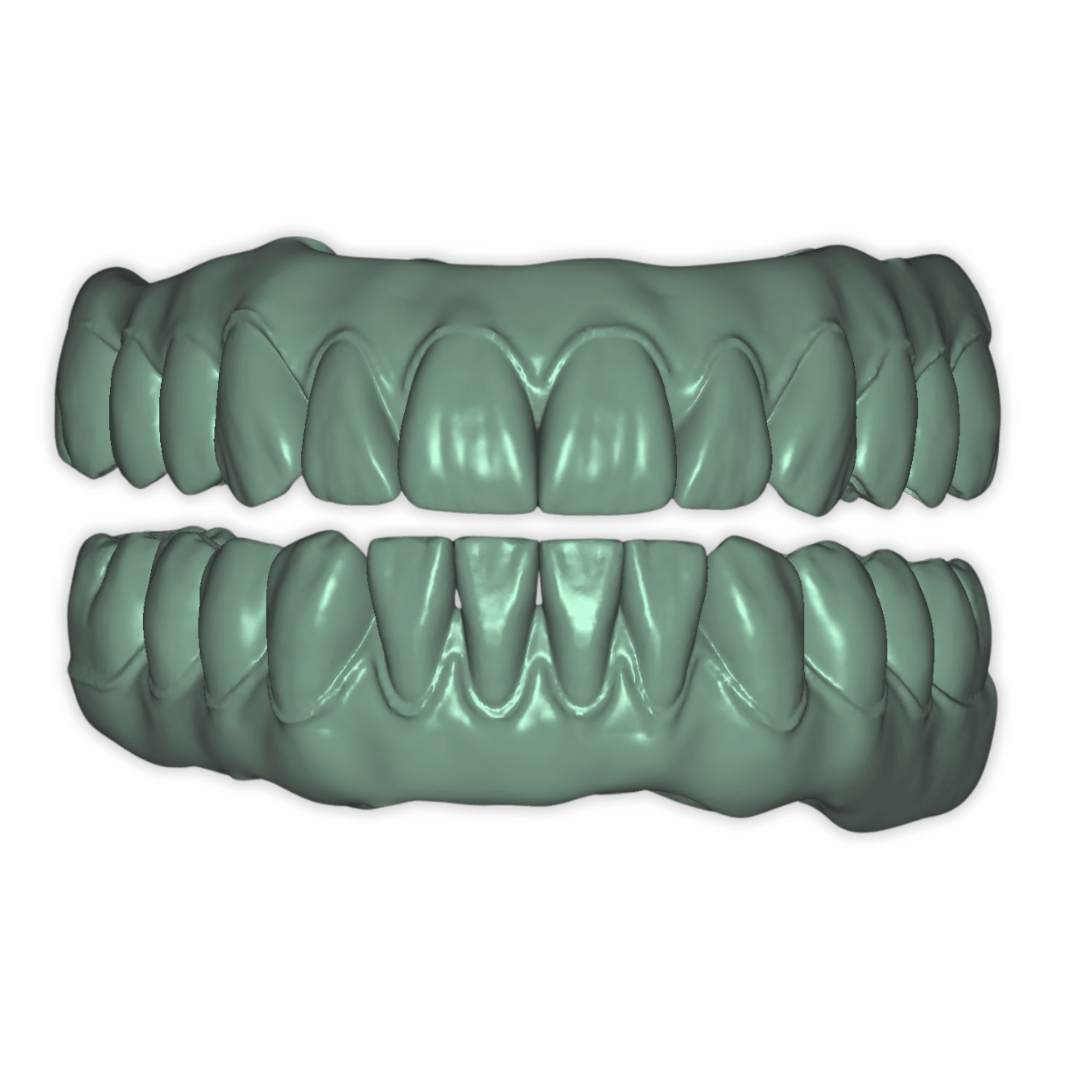
Boost the digital production of your dental lab
The digital tooth shapes that we created at Prodecad were studied with a single purpose:
To save us time.
We couldn't keep up and we wasted hours changing ugly shapes and closing embrasures.
Maybe you also feel that the digital anatomies you handle are not up to your standards, or perhaps you can't take on more workload…
In both cases, press the button to see the tooth libraries. 
Three anatomies, and each one for a type of case
Before looking at prices, look at what you design every day. This is the difference between the three shapes of the Iconic Artist Collection.
All three give you author-designed 3D dental anatomy, and each one installs in your software as a separate exocad tooth library.
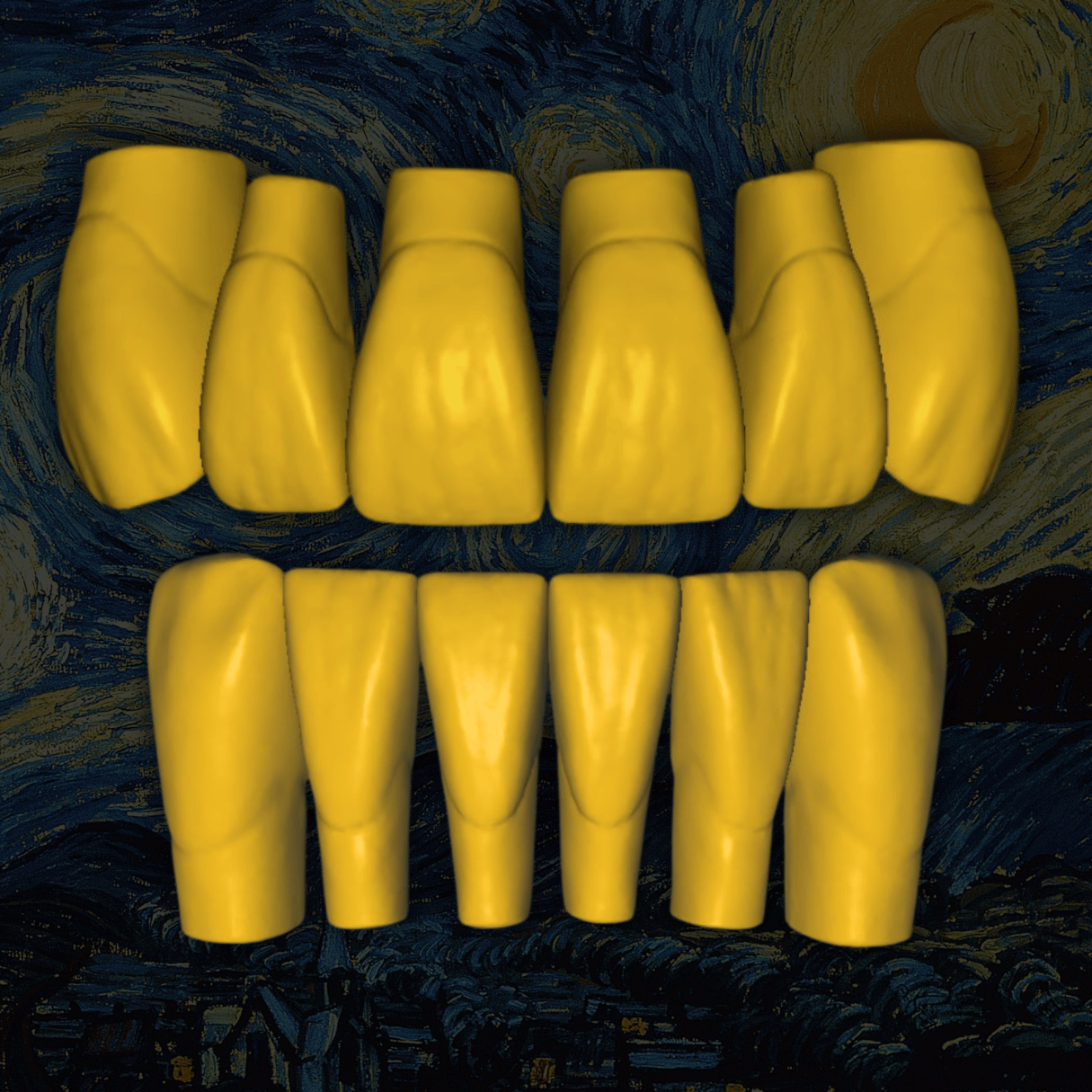
Van Gogh
The best-selling shape in the collection. Designed for demanding anterior aesthetics and smiles that are viewed up close.
Also with wear: Old Van Gogh
View this library →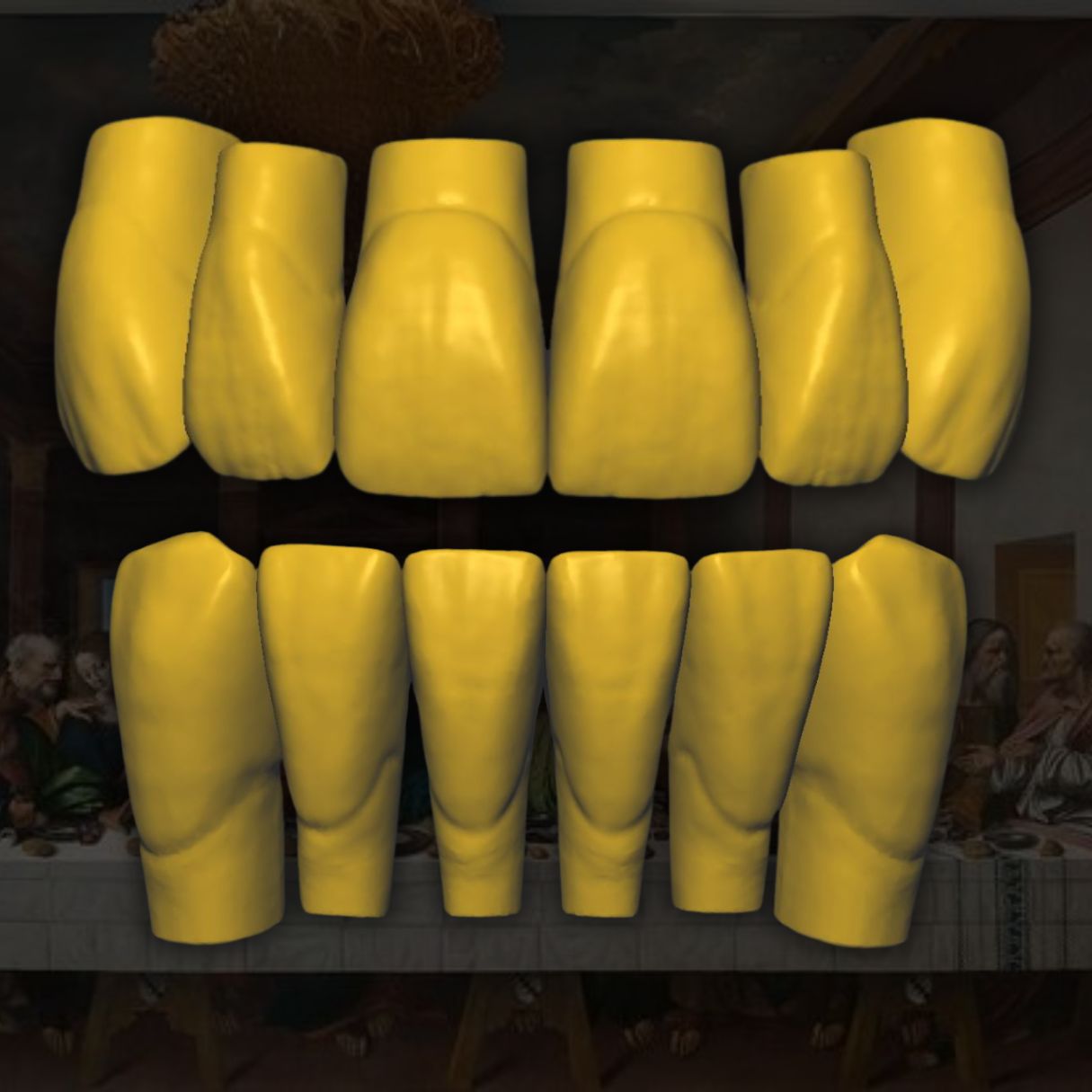
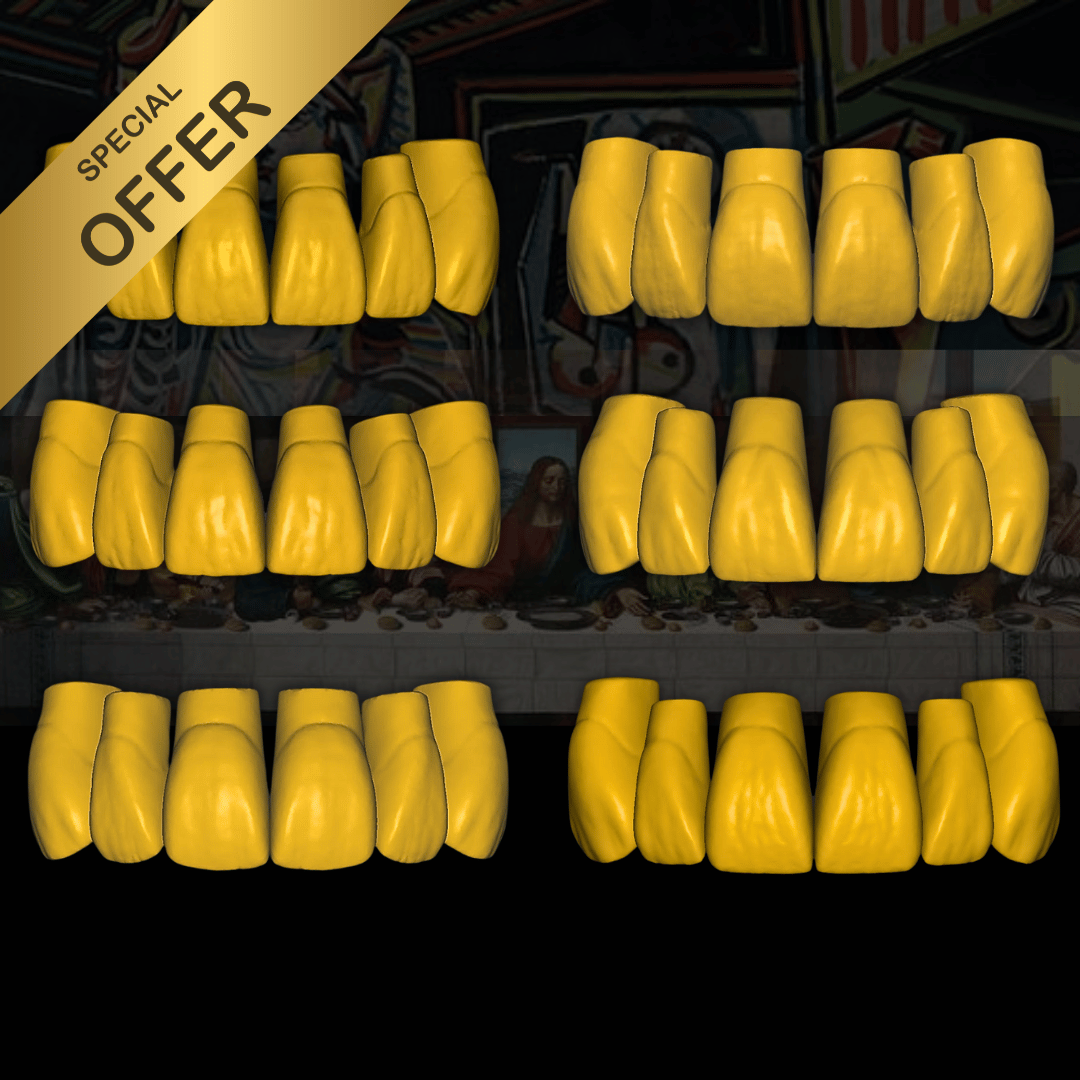
Leonardo Da Vinci
Rectangular anatomy optimized for full restorations and hybrid bridges, with the fit already resolved.
Also with wear: Old Leonardo Da Vinci
View this library →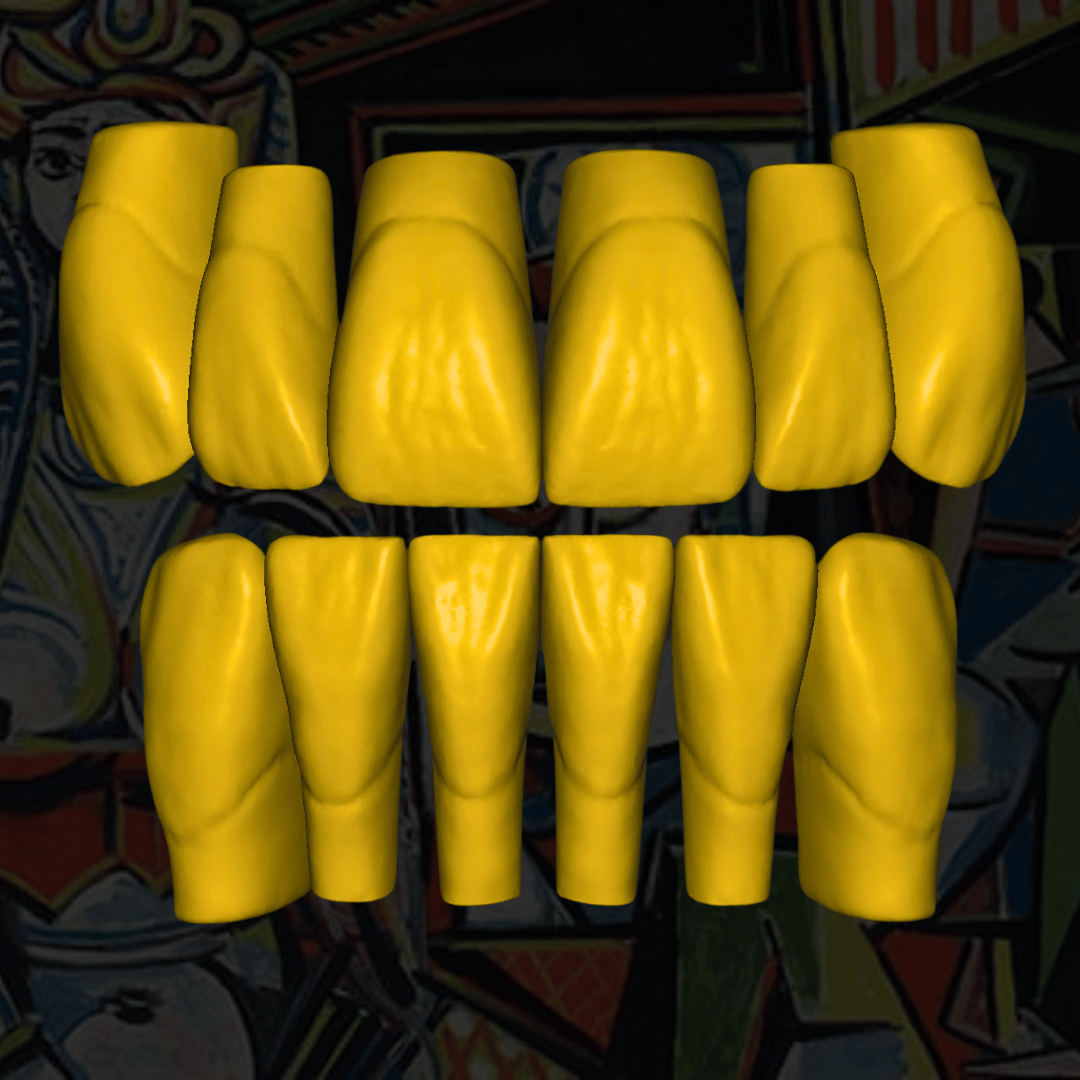
Pablo Picasso
High-aesthetic anatomy designed for posterior restorations, with the embrasures already closed and the morphology resolved.
Also with wear: Old Pablo Picasso
View this library →They are the same anatomy with the wear already applied, for cases where the patient is old and young teeth would look out of place. Each shape has its own, so the collection is six libraries in total.
Choose it and download it today
Each anatomy is sold separately, and the complete collection comes out to 450 € instead of 750 €. It's a digital product: it is downloaded after purchase and nothing physical is sent.
You download all our exocad tooth libraries in .eoff format, ready to copy into your design software.
-
Sale!
Complete Artist Collection – Pack of teeth libraries for Exocad
$857.28Original price was: $857.28.$514.38Current price is: $514.38. -
Van Gogh aged tooth library
$142.88 -
Van Gogh tooth library for Exocad
$142.88 -
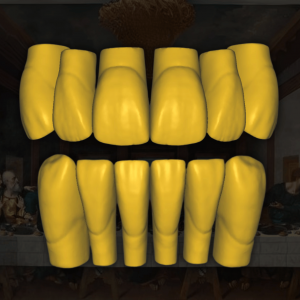
Leonardo Da Vinci aged tooth library
$142.88 -
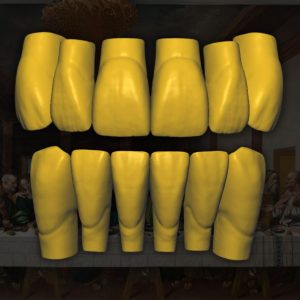
Tooth library Leonardo Da Vinci for Exocad
$142.88 -
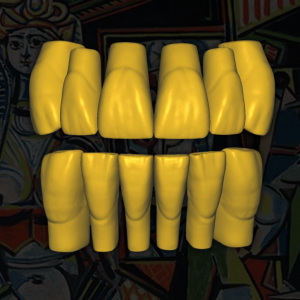
Pablo Picasso aged tooth library
$142.88 -
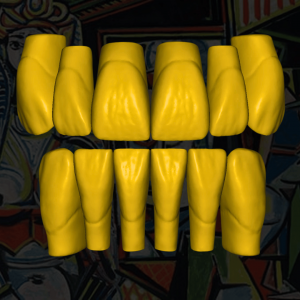
Tooth library Pablo Picasso for Exocad
$142.88
This is exactly what you download
The .eoff format is like .obj or .stl, but it also contains the parametric position of the anatomy. That's why it fits into place by itself.
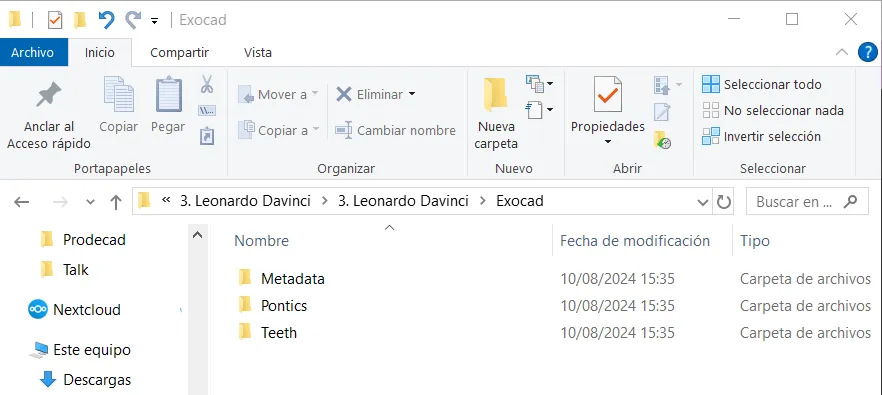
The three folders that exocad needs, already assembled and with the correct structure. You just have to copy them.
It is downloaded after purchase. Nothing physical is sent and there's no need to wait for anyone.
Does the tooth library work with my software?
exocad — 100% compatible. It's the software for which they were designed.
Any dental CAD that allows import tooth libraries proprietary.
Cases of anterior, posterior, complete rehabilitations and hybrid bridges.
Zirkonzahn Modellier and other closed CADs: they work, as long as your provider has authorized the installation of new libraries.
By default that function comes restricted: without unlocking you won't be able to import them.
We recommend contacting your provider to request the unlock. Once you have access, you will be able to import our anatomies without a problem.
The library is installed in exocad in three steps
The installation of any tooth library for exocad is free and you can do it yourself. And if you prefer not to touch anything, installation in your exocad is included with the purchase.
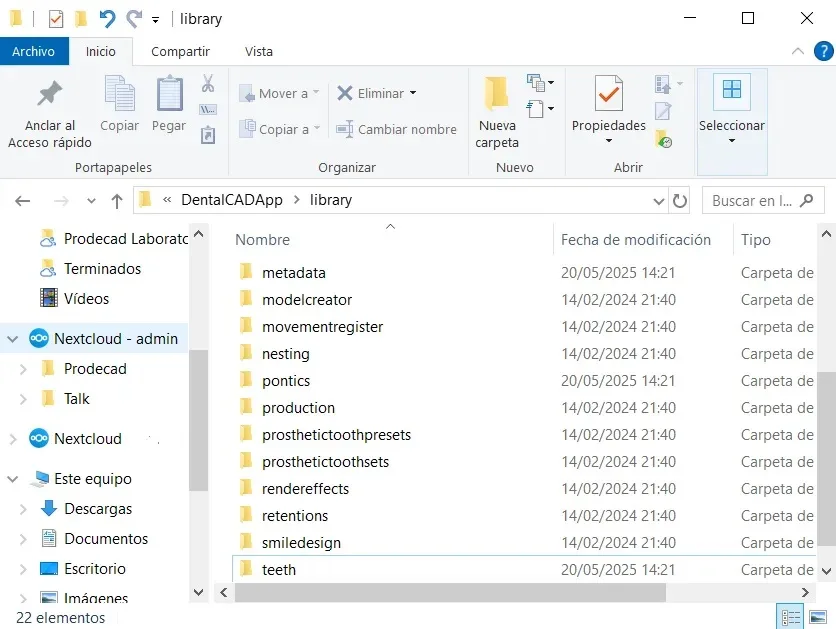
We have the complete guide with the folder path and screenshots of each step: how to install a tooth library in exocad.
All six for 450 € instead of 750 €
The six anatomies of the Iconic Artist Collection: three young forms and their three aged versions. Installation of the six libraries in your exocad is included.
It is the most complete way to get our exocad tooth library: all the 3D dental anatomy of the Iconic Artist Collection in a single pack.
It's the option for those who don't want to choose: the young form for the young patient, the aged one for those who already have wear, and the same base anatomy in both.
Clients
Who enjoy our services
Receive your 20% discount ↓
Leave us your details and we'll send you a 20% discount on dental anatomy libraries.
What doubts do you need to resolve?
What are the advantages of using our 3D Dental Anatomy libraries compared to other conventional tooth libraries?
At the beginning, we used to spend and waste many hours of design changing the morphology, closing embrasures, and adapting the occlusion. In conclusion, we needed a collection of digital anatomies prepared with the aesthetic and functional changes we repeated every day to save ourselves several hours of design each day.
What Dental CAD Design software are our tooth libraries compatible with?
They are also compatible with software like the Zirkonzahn Modellier. But you need to have the restriction unlocked so you can add any digital tooth library.
In what installation format do the tooth libraries come? Are they .obj, .stl, .ply, .eoff format ...?
The format .eoff is like .obj or .stl but that also contains the parametric position of our digital dental anatomy.
Can I install this digital dental anatomy in closed CadCam Design software like Zirkonzahn?
Yes, our dental anatomy libraries can be installed on closed CAD Dental Design software like Zirkonzahn, as long as your software provider has authorized the installation of new tooth libraries.
This means that you need to have that function unlocked beforehand, as it is restricted by default.
We recommend contacting your provider to request the unlock. Once you have access, you will be able to import our anatomies without a problem.
How can I improve the aesthetic quality of my designs in exocad if I don't like the default stl tooth libraries for exocad that come with the software?
Another faster and more effective option is to use dental libraries like the iconic artist collection that come aesthetically and functionally optimized.
How can I install any tooth library for exocad for free?
The installation of any digital tooth library for exocad is free, and you can do it yourself by following the following steps:
Acquire the library that you want to install. It must include at least three folders:
- Metadata
- Teeth
- Pontics
What is the best 3D tooth library to create a hybrid bridge in exocad?
The best dental library to create a hybrid bridge in exocad will depend on the style you are looking for, the patient's gender, and facial shape.
Free generic libraries rarely meet these requirements. They are basic, flat, and designed for standard jobs.
The tooth libraries that we use the most and that our clients acquire the most for hybrid bridges are the anatomy library ¨Leonardo da Vinci¨ and the anatomy ¨Van Gogh¨ that were specially designed for full rehabilitations, with young and worn versions that you can find in our Exocad library store or on our website.
Where can I find digital dental anatomy libraries compatible with exocad or zirkonzahn?
Nowadays there are many sources to get digital libraries, but not all of them are really useful if you are looking for precision, aesthetics, and professional functionality.
We recommend acquiring the correct tooth libraries from a reliable source or dental digital laboratory/portal like prodecad.com so you don't regret it in the future.
You can find a collection of six highly aesthetic and functional digital anatomies in our Exocad library store.
Start with a tooth library, not the collection
Buy the one that most resembles what you design every day, use it in the next case and then decide if you want all six.
You choose the anatomy. If you're unsure, ask us and we'll tell you which one fits what you do.
You download the file instantly. Installation in your exocad is included.
You start from a resolved anatomy instead of from a flat tooth.
Tell us what you design and we tell you which library fits you.
Four quick questions. We respond with the library that goes with your software and your type of work — without obligation.
The consultation is free: we help you choose the right digital tooth library for exocad before you buy.
`By sending you accept the` privacy policy`. We use your data only to answer you.`